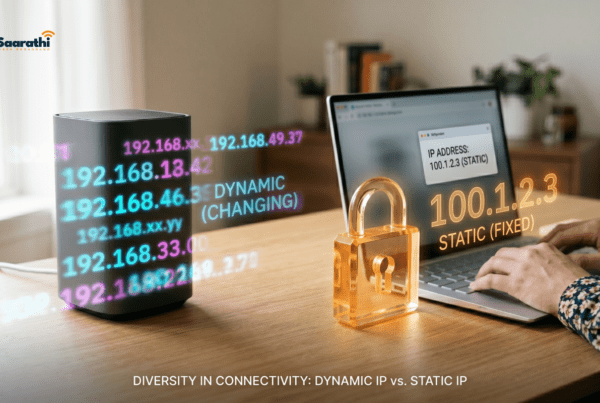
Does a Static IP Actually Improve Gaming? The Honest Answer for Indian Broadband Users
There’s a moment every Indian gamer knows. You’re in a ranked Valorant match, holding an angle on Ascent, and your ping spikes from 40 to 200 for exactly long enough to watch your character die on the killcam. You alt-tab to speedtest.net. Everything looks fine. You Google “how to reduce ping in India” and somewhere between the fifth Reddit thread and a questionable YouTube tutorial, someone says: “Get a static IP, bro. Fixed everything for me.” Static IP for gaming India.
So now you’re considering spending ₹200-600/month on a static IP for gaming in India because a stranger on the internet promised it would fix your lag. Before you call your ISP, let’s figure out whether that money would actually solve your problem — or whether it’s the networking equivalent of buying a gaming chair for better aim.
The Core Claim: Does a Static IP Reduce Ping?

Let’s start with the claim you hear most often. “A static IP gives you lower ping.”
This is false. Or rather, it’s so misleading that calling it “true in very specific edge cases” would be more generous than it deserves.
Your ping — the round-trip time between your PC and the game server — is determined by:
- Physical distance between you and the server (Mumbai server vs. Singapore server vs. EU server)
- Number of network hops your data takes to reach the server
- Congestion at each hop along the route
- Your ISP’s routing decisions (peering agreements, traffic management)
- Last-mile quality of your broadband connection (fiber vs. copper vs. wireless)
- Local network issues (Wi-Fi interference, router overload, background downloads)
Notice what’s missing from that list? Your IP type. Whether your IP address is static or dynamic has zero mechanical impact on any of the six factors above. The packets travel the same route, through the same infrastructure, at the same speed. The address printed on the envelope doesn’t make the postman walk faster.
The Grain of Truth
There’s one narrow scenario where a static IP indirectly affects gaming latency. When your dynamic IP changes, your router’s PPPoE session renegotiates with your ISP. During that renegotiation — which typically lasts 5-30 seconds — you lose connectivity. If this IP rotation happens mid-game, you’ll experience a disconnect.
A static IP eliminates this specific type of disconnect. But unless your ISP rotates IPs frequently (more than once daily, which is unusual for fiber connections), this scenario is rare enough to be irrelevant for most gamers.
What About NAT Type? (This Is Where It Gets Interesting)
NAT type is the other reason gamers seek out static IPs, and there’s more substance here.
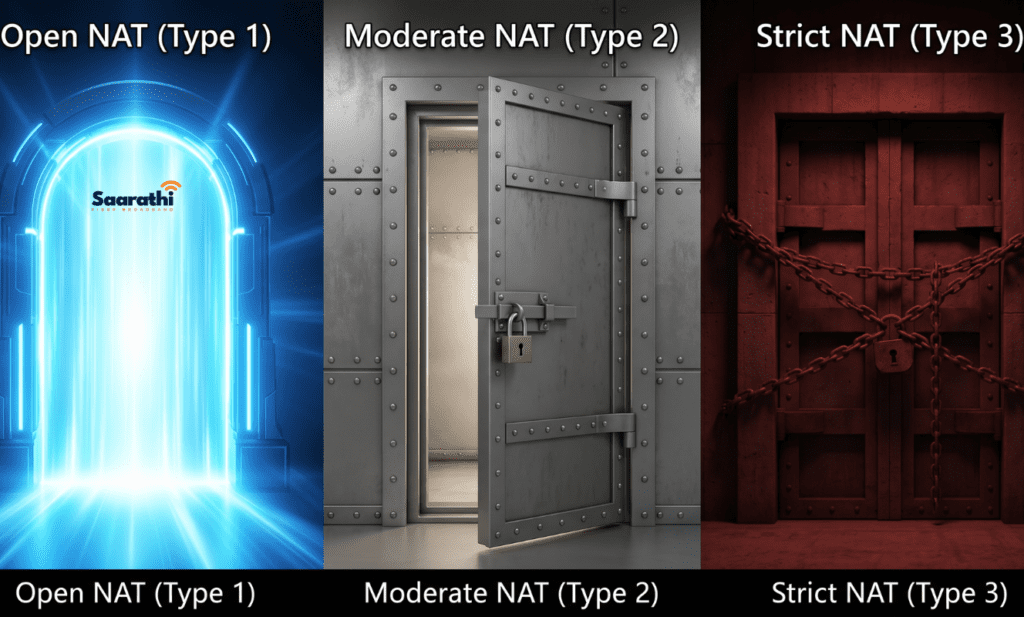
Network Address Translation (NAT) determines how easily your console or PC communicates with other players. Game platforms classify your NAT as:
- Open (Type 1): Unrestricted. Best for multiplayer matchmaking.
- Moderate (Type 2): Some restrictions. You can connect to most players but may have issues with other Moderate or Strict NAT users.
- Strict (Type 3): Limited connectivity. Frequent matchmaking failures, voice chat issues, inability to host lobbies.
Indian broadband users commonly land on Moderate or Strict NAT due to how ISPs configure their networks. Carrier-Grade NAT (CGNAT) — where your ISP places multiple customers behind a single public IP — is the primary culprit.

How a Static IP Helps With NAT
A static IP typically comes with a dedicated public IP address, which means your ISP removes you from CGNAT. Once you have a dedicated public IP, you can configure port forwarding on your router to achieve Open NAT (Type 1).
This is the legitimate benefit of a static IP for gaming in India. Better NAT type means:
- Faster matchmaking in Call of Duty, Destiny 2, FIFA, and other peer-to-peer multiplayer games
- Ability to host game lobbies and custom matches
- Reliable voice chat in party systems
- Fewer “connection to host lost” errors
The Critical Distinction Most Articles Miss
Here’s what gaming blogs consistently fail to clarify: you don’t need a static IP to escape CGNAT. You need a public IP. These are different things.
A public IP can be static (never changes) or dynamic (changes periodically but is still uniquely yours). Many Indian ISPs will assign a dynamic public IP upon request without the static IP premium. Call your ISP and ask: “Am I behind CGNAT? Can I get a public IP?” If they assign a dynamic public IP, you can set up port forwarding and achieve Open NAT without paying the static IP add-on fee.
Port Forwarding for Indian Gamers: The Practical Setup
Assuming you’ve secured a public IP (static or dynamic), here’s how to actually configure Open NAT.
Common Ports to Forward by Game
| Game/Platform | TCP Ports | UDP Ports |
|---|---|---|
| PlayStation Network | 80, 443, 3478-3480 | 3478-3479 |
| Xbox Live | 53, 80, 3074 | 53, 88, 500, 3074, 3544, 4500 |
| Call of Duty (2025-2026) | 3074, 27014-27050 | 3074, 3478-3479, 27000-27031 |
| Valorant | 443, 8393-8400 | 7000-8000 |
| Fortnite | 5222, 5795-5847 | 5222, 5795-5847 |
| Minecraft (Java) | 25565 | 25565 |
Step-by-Step Router Configuration
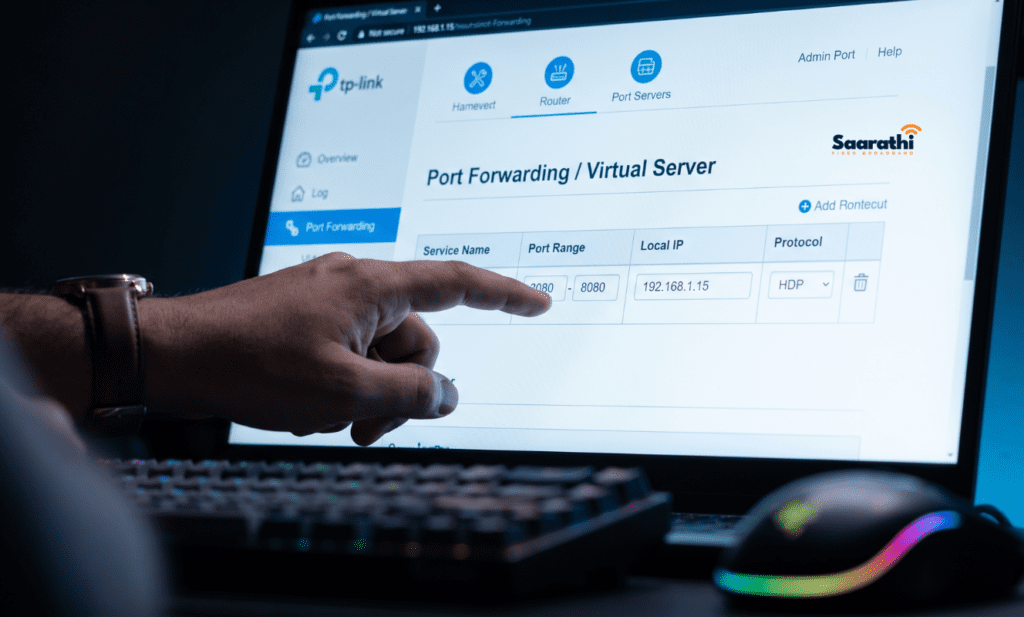
- Assign a static local IP to your gaming device. In your router’s DHCP settings, bind your PC’s or console’s MAC address to a fixed local IP like 192.168.1.50. This ensures port forwarding rules always point to the right device.
- Navigate to port forwarding (sometimes labeled “Virtual Server” or “NAT Forwarding” on TP-Link and D-Link routers). Create rules for the ports listed above, pointing to your device’s local IP.
- Enable UPnP if your router has it (Universal Plug and Play). Many modern games handle port negotiation automatically through UPnP, reducing the need for manual forwarding. However, UPnP alone doesn’t solve CGNAT — you still need a public IP.
- Disable SIP ALG in your router settings if the option exists. SIP ALG interferes with certain game connections and VoIP. Turning it off resolves phantom disconnections for some users.
- Test your NAT type in-game. PlayStation users can check via Settings > Network > Test Internet Connection. Xbox users check under Settings > General > Network Settings. PC users running Call of Duty can see NAT type on the multiplayer menu.
ISP-Specific Gaming Guidance for Indian Broadband Users
Different ISPs present different challenges. Here’s what you need to know based on who provides your connection.
Saarathi Fiber Broadband – Static IP for gaming India

For gamers who want a guaranteed Open NAT type without jumping through customer service hoops, Saarathi Fiber Broadband is a standout option. They offer a dedicated Static IP for a flat, transparent ₹250/month add-on Static IP for gaming India. Unlike national players that force you into expensive business tiers, Saarathi provides this directly to residential users. Upgrading instantly removes you from CGNAT, and their local fiber routing offers incredibly stable, low-latency connections to Mumbai and Singapore servers.
JioFiber
JioFiber uses CGNAT on most residential plans. Users report that requesting a static IP is the most reliable way to escape CGNAT on Jio’s network, as they rarely provision dynamic public IPs separately. Expect to call 1800-896-9999 and specifically request “a public static IP for my residential connection.”
Gaming on JioFiber is otherwise solid — fiber latency to Mumbai servers sits between 5-20ms for western India users, and their peering with Singapore nodes has improved significantly in 2025-2026.
Airtel Xstream Fiber
Airtel also employs CGNAT on many residential connections, but their support team is more likely to provide a dynamic public IP without requiring a full static IP purchase. When calling Airtel support at 121, explicitly ask: “Please move my connection off CGNAT to a dynamic public IP.” Success rates vary by region, but Bangalore, Hyderabad, and Delhi users report frequent approvals.
BSNL Bharat Fiber
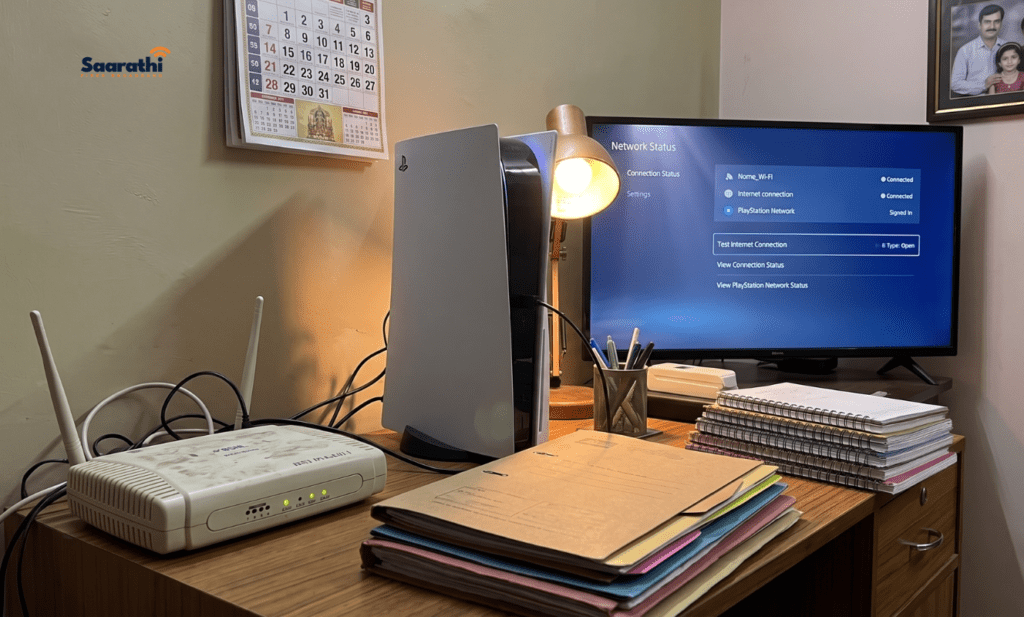
BSNL assigns public dynamic IPs by default on most fiber connections — meaning you likely don’t need a static IP at all for gaming NAT improvements. Simply configure port forwarding on your router and test.
The trade-off with BSNL is speed consistency. While fiber plans advertise 100-300 Mbps, real-world throughput during peak evening hours (8 PM-12 AM IST — prime gaming time) can dip below advertised speeds in congested areas.
ACT Fibernet
ACT uses CGNAT selectively. Some areas assign public IPs by default; others require an explicit request. ACT’s customer support through their app and website chat tends to resolve these requests within 24-48 hours — faster than most competitors.
The Real Fixes for Indian Gaming Lag (That Aren’t Static IP)
If your gaming experience suffers and you’ve been eyeing a static IP as the solution, consider these fixes first — they address the actual causes of lag more directly.
1. Switch to Wired Ethernet

Wi-Fi adds 2-10ms of latency on a good day and 20-100ms+ when congested, experiencing interference from microwaves or neighboring routers, or operating on the crowded 2.4GHz band. A ₹200 ethernet cable eliminates this entirely. No networking upgrade offers a better cost-to-performance ratio.
2. Enable QoS (Quality of Service) on Your Router
QoS settings prioritize gaming traffic over background downloads, streaming, and other household internet usage. Most routers from TP-Link, Asus, and Netgear include QoS in their admin panels. Prioritize your gaming device’s local IP or MAC address.
3. Change Your DNS Server
Default ISP DNS can be sluggish. Switch to:
- Cloudflare DNS: 1.1.1.1 and 1.0.0.1
- Google DNS: 8.8.8.8 and 8.8.4.4
This won’t lower in-game ping directly, but it improves connection initiation speeds and can reduce matchmaking time.
4. Use ExitLag or Mudfish for Routing Optimization
Services like ExitLag and Mudfish reroute your game traffic through optimized paths, bypassing congested ISP routes. Indian gamers connecting to Singapore or Middle East servers frequently report 10-30ms improvements using these services.
5. Upgrade Your Router
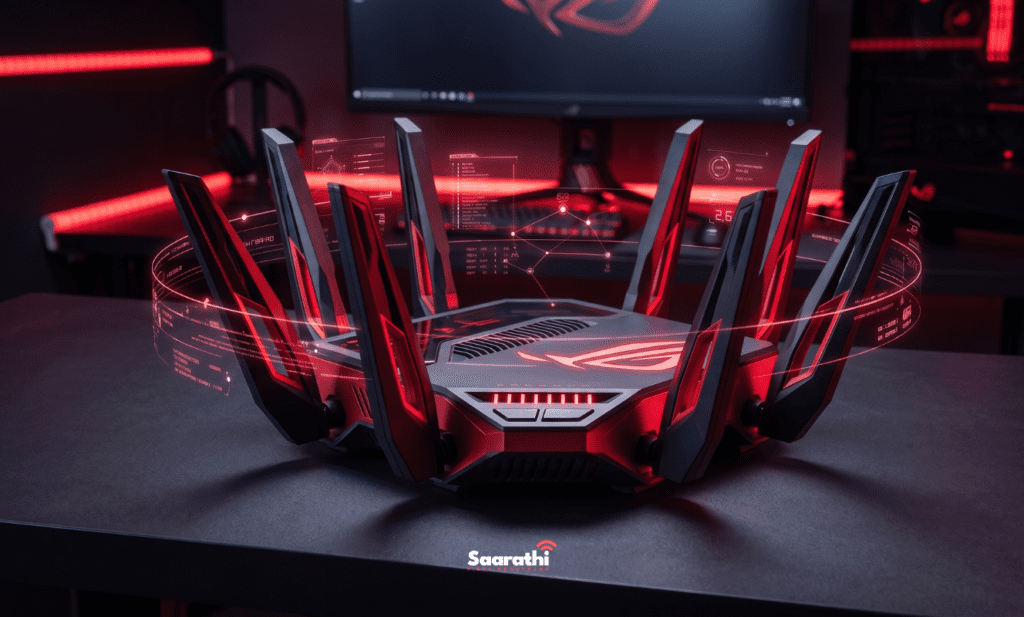
ISP-provided routers often have weak processors that struggle with NAT translation, QoS, and simultaneous connections. A dedicated gaming router like the TP-Link Archer AX55 (₹5,000-6,000) handles these tasks with headroom to spare. One-time cost, permanent improvement.
6. Check for ISP Throttling
Some ISPs throttle specific game servers or protocols during peak hours. Run speed tests to both general servers (speedtest.net) and game-specific servers at different times to check for discrepancies.
When a Static IP Actually Makes Sense for Indian Gamers
Despite everything above, there are legitimate gaming use cases for a static IP. Here’s the honest shortlist:
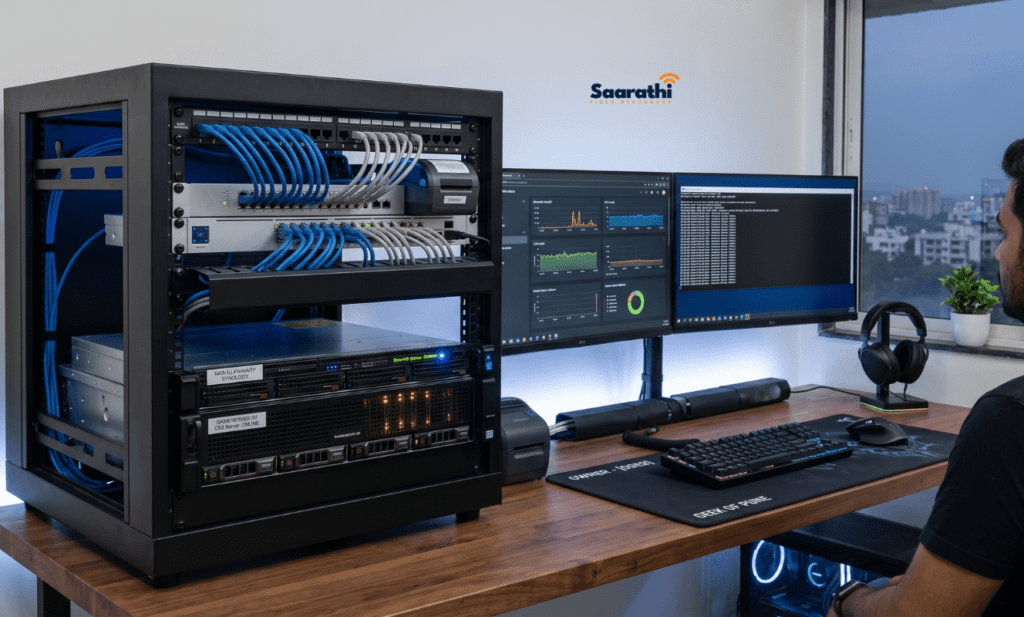
- Hosting Dedicated Game Servers: Running a Minecraft server, Valheim server, or CS2 community server from your home PC requires a consistent IP address so other players can connect reliably.
- Competitive Tournament Play: If you participate in organized esports where administrators allowlist player IPs for anti-cheat or server access verification, a static IP avoids the headache of updating your address before every match.
- Streaming While Gaming on Self-Hosted Infrastructure: A small number of Indian streamers host their own RTMP servers for custom streaming setups rather than relying on Twitch or YouTube. A static IP ensures OBS or XSplit can push to a consistent endpoint.
For everyone else — the vast majority of Indian gamers who play matchmaking on public servers — a static IP is often money spent on a placebo.
Static IP for Gaming India: Frequently Asked Questions
No. Packet loss occurs due to congested network routes, faulty cabling, or ISP infrastructure issues. Your IP type doesn’t influence packet delivery reliability. If you experience persistent packet loss, run a traceroute to identify where packets are dropping.
Probably not, unless your ISP refuses to provide a free dynamic public IP. Contact your provider and ask to be moved off CGNAT first. Only if they refuse or require a static IP purchase should you pay the premium. (This is where a provider like Saarathi Fiber’s flat ₹250/month add-on is a huge advantage over expensive business tier upgrades).
No. Download speeds depend on your broadband plan’s bandwidth and the content server’s capacity. Steam’s CDN serves Indian users from local cache nodes regardless of IP type.
For routing optimization (lower ping to distant servers), yes — services like ExitLag and Mudfish are designed for exactly this purpose. For NAT type improvement, no — VPNs add a layer of NAT rather than removing one, which can make NAT type worse.
Possibly, but not necessarily. If your friend was previously behind CGNAT and the static IP moved them to a dedicated public IP, their NAT type improved. The static IP itself didn’t reduce their ping, but the CGNAT removal improved matchmaking quality and connection stability.
What to Spend Your Money On Instead
If you have ₹500/month earmarked for “better gaming internet,” here’s how to allocate it more effectively than a static IP:
| Investment | One-Time or Monthly | Approximate Cost | Impact |
|---|---|---|---|
| Cat 6 Ethernet Cable (10m) | One-time | ₹200-400 | Eliminates Wi-Fi latency |
| Mudfish (routing optimizer) | Pay-per-use | ₹200-400/several months | 10-30ms ping reduction to intl. servers |
| Router upgrade (TP-Link AX55) | One-time | ₹5,000-6,000 | Better NAT handling, QoS, stability |
| CGNAT removal request | Free | ₹0 | Open NAT without static IP fee |
| Higher upload speed plan | Monthly | Varies | Smoother multiplayer, streaming |
The combined impact of a wired connection, optimized routing, and a capable router dwarfs anything a static IP provides for gaming.
The Bottom Line for Indian Gamers
A static IP for gaming in India solves exactly one problem well — escaping CGNAT for Open NAT — and that same problem often has a free solution (requesting a dynamic public IP from your ISP). The persistent myths around ping reduction, speed improvement, and lag elimination are exactly that: myths propagated through gaming forums by people who conflated CGNAT removal with IP type.
Save the money. Buy an ethernet cable. Configure port forwarding. Request a public IP for free. If you absolutely need a dedicated address to escape strict NAT and host servers, choose an ISP like Saarathi Fiber that offers it for a fair ₹250/month instead of forcing you into a ₹1500+ business plan.
And if your ping to Singapore servers still hovers around 60ms after all that, remember: that’s physics, not your ISP’s fault. Light through fiber only travels so fast across the Bay of Bengal.