Static IP in India: Does JioFiber or Airtel Offer One — and Do You Actually Need It? (2026)
If you’ve ever tried to host a server, set up remote desktop access, or run a CCTV system from home, you’ve probably run into the same wall: your IP address keeps changing. That’s when the search for a static IP in India begins — and the answers get confusing fast.
Some ISPs bury the option deep inside enterprise plans. Others charge a monthly premium that seems arbitrary. A few don’t offer it at all. And most users aren’t even sure whether they genuinely need one or just think they do because a YouTube tutorial told them so.
This guide cuts through that noise. We’ll cover which major Indian ISPs actually provide static IPs in 2026, what they charge, how the setup works, and — most importantly — whether the cost makes sense for your specific use case.
What Exactly Is a Static IP Address?

Before comparing ISPs, let’s get the basics locked down.
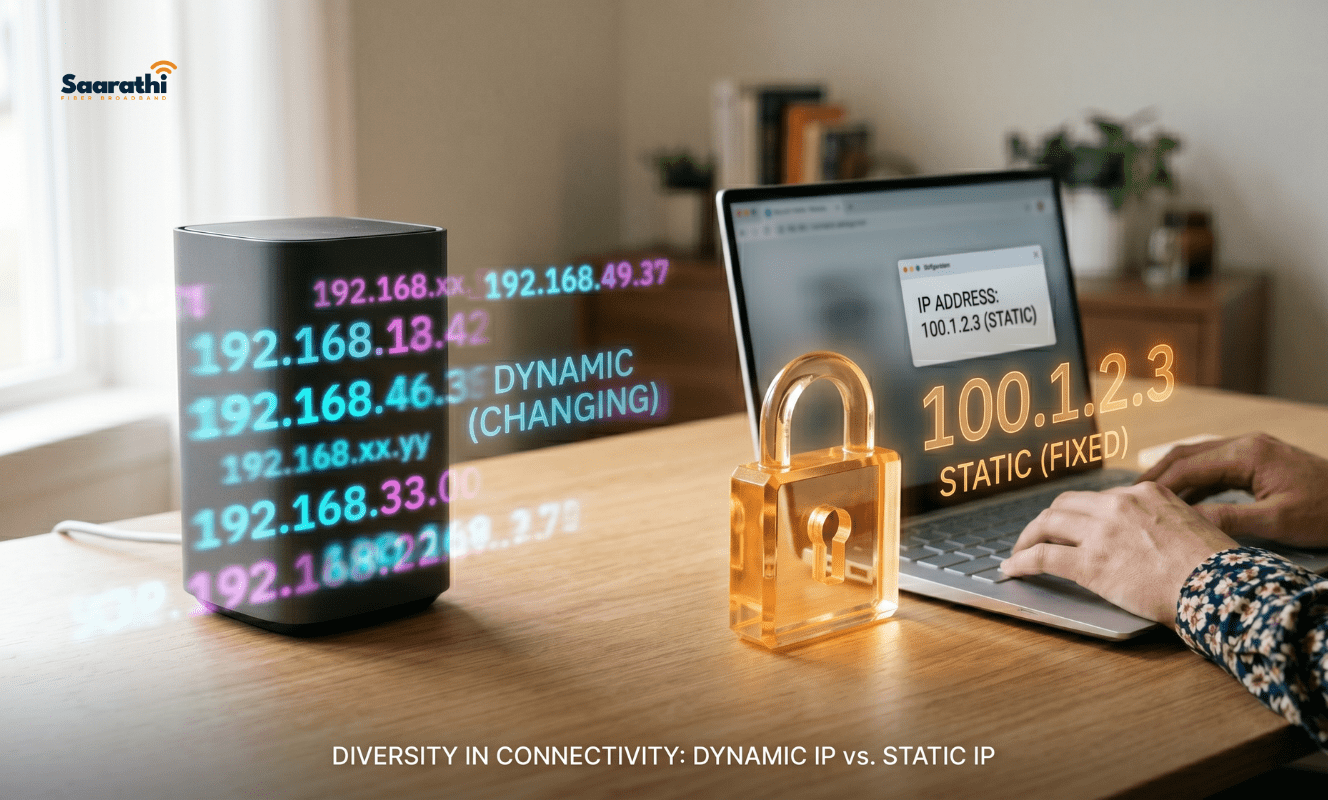
Every device connected to the internet receives an IP address — a numerical label that identifies it on the network. Most home broadband connections in India use dynamic IPs, meaning your Internet Service Provider assigns you a different address every time your router restarts or your lease period expires.
A static IP stays the same. Always. Your router gets one fixed address that doesn’t rotate, regardless of restarts or downtime.
Think of it this way: a dynamic IP is like getting a different seat every time you walk into a restaurant. A static IP is a reserved table with your name on it.
Why Does This Matter?
For casual browsing, streaming, or video calls, it doesn’t. Dynamic IPs work perfectly fine for 95% of home internet usage. However, static IPs become relevant when you need:
- Remote access to home devices (NAS drives, security cameras, desktops)
- Self-hosted servers (game servers, websites, media servers like Plex)
- VPN hosting from your home network
- Stable connections for VoIP or video conferencing setups
- Port forwarding that actually persists between sessions
If none of those apply, you can probably stop reading here and save your money.
Which ISPs Offer a Static IP in India? (2026 Breakdown)

Here’s where things get interesting — and occasionally frustrating.
JioFiber: Available, But Not Advertised Loudly
JioFiber does offer static IP addresses, but you won’t find a big button on their website for it. The option typically comes bundled with their business and enterprise plans, starting around ₹1,499/month and going higher depending on bandwidth.
For residential users, the process involves calling JioFiber customer support and specifically requesting a static IP add-on. Reports from users on forums like r/IndianGaming and Broadband Forum India suggest that availability depends heavily on your area and the local network infrastructure. Some users report paying an additional ₹200-500/month on top of their existing residential plan. Others are told to upgrade to a business plan entirely.
Bottom line: Possible but inconsistent. Expect to make multiple calls.
Airtel Xstream Fiber: Cleaner Process, Higher Price
Airtel handles static IPs more transparently than Jio. Their business broadband division (Airtel Business) offers static IP as a standard add-on, typically ranging from ₹300-600/month depending on the plan tier and region.
For residential Xstream Fiber users, the situation mirrors JioFiber — you’ll need to contact support, and they may push you toward an Airtel Business plan. However, Airtel’s support infrastructure tends to process these requests faster than Jio’s, based on aggregate user reports from 2025 and early 2026.
Airtel also supports IPv6 on select plans, which is worth noting if you’re future-proofing your setup.
BSNL Bharat Fiber: The Budget Option (With Caveats)
BSNL has historically been the most accessible provider for static IPs among Indian ISPs. Their Bharat Fiber plans offer static IP add-ons starting at approximately ₹100-200/month — significantly cheaper than private ISPs.
The catch? BSNL’s network reliability varies wildly by region. In metros, the service has improved post-4G upgrade. In tier-2 and tier-3 cities, outages and slow customer support remain persistent complaints. Grabbing a cheap static IP means nothing if your connection drops every other evening.
You can explore BSNL’s current broadband plans at bsnl.co.in.
ACT Fibernet: Limited Availability
ACT Fibernet, popular in cities like Bangalore, Hyderabad, Chennai, and Delhi, offers static IPs primarily through their business plans. Residential users generally cannot add a static IP to existing plans without migrating to a business tier.
Pricing ranges from ₹500-1,000/month depending on the city and plan combination. ACT’s customer support is responsive in most metros, but the migration process from residential to business can take 7-15 working days.
Local and Regional ISPs: Often the Easiest Route

Here’s something most comparison articles won’t tell you: local ISPs in India frequently offer static IPs with far less friction than the national players. Providers like Hathway, Tikona, Saarathi Fiber, Excitel, and dozens of city-specific operators often bundle static IPs into mid-range plans or charge a nominal ₹100-300/month add-on without forcing a business plan upgrade.
If you’re in a metro or tier-1 city, check your local provider’s offering before jumping through hoops with Jio or Airtel.
Static IP Pricing Comparison: Indian ISPs in 2026
| ISP | Static IP Available? | Approximate Monthly Cost | Plan Requirement |
|---|---|---|---|
| JioFiber | Yes (inconsistent) | ₹200-500 add-on or business plan | Business preferred |
| Airtel Xstream Fiber | Yes | ₹300-600 add-on | Business preferred |
| BSNL Bharat Fiber | Yes | ₹100-200 add-on | Any eligible plan |
| ACT Fibernet | Yes (limited) | ₹500-1,000 | Business plan required |
| Excitel | Varies by city | ₹100-300 | Mid-range plans |
| Hathway | Varies by city | ₹150-400 | Contact support |
Prices are approximate and vary by city and plan. Always confirm directly with your ISP before committing.
Do You Actually Need a Static IP? (Be Honest With Yourself)
This is the part where most blogs tell you “yes, absolutely, upgrade today.” We’re going to do the opposite.
You Probably DON’T Need One If:
- You only browse, stream, and video call. Dynamic IPs handle all of this without any issues. Netflix doesn’t care about your IP address.
- You use cloud-based remote access tools. Services like TeamViewer, AnyDesk, and Chrome Remote Desktop work through relay servers. Your IP type is irrelevant.
- You game online casually. Multiplayer gaming on platforms like Steam, PlayStation Network, or Xbox Live uses matchmaking servers that don’t require a static IP. More on this in our gaming-specific guide.
- You use a VPN service. Commercial VPNs like NordVPN or Surfshark assign their own IPs regardless of your ISP-provided address.
You Likely DO Need One If:
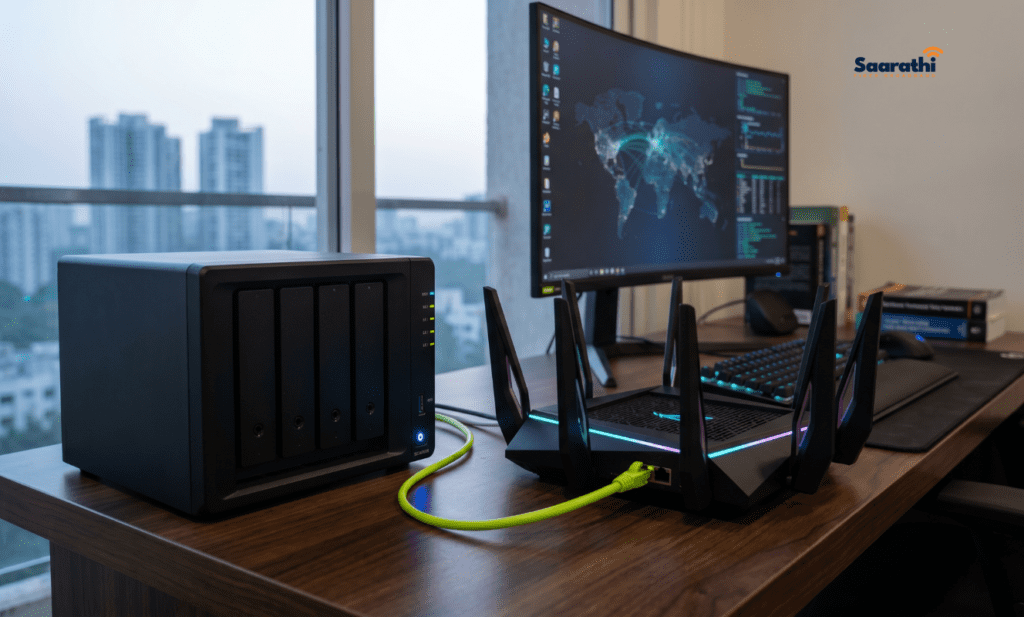
- You host anything from home. Web servers, game servers, Plex media servers, FTP servers — all of these need a consistent address so external users can find them.
- You manage security cameras remotely. While some modern CCTV systems use P2P cloud access, many professional setups still require port forwarding to a static IP for reliable remote viewing.
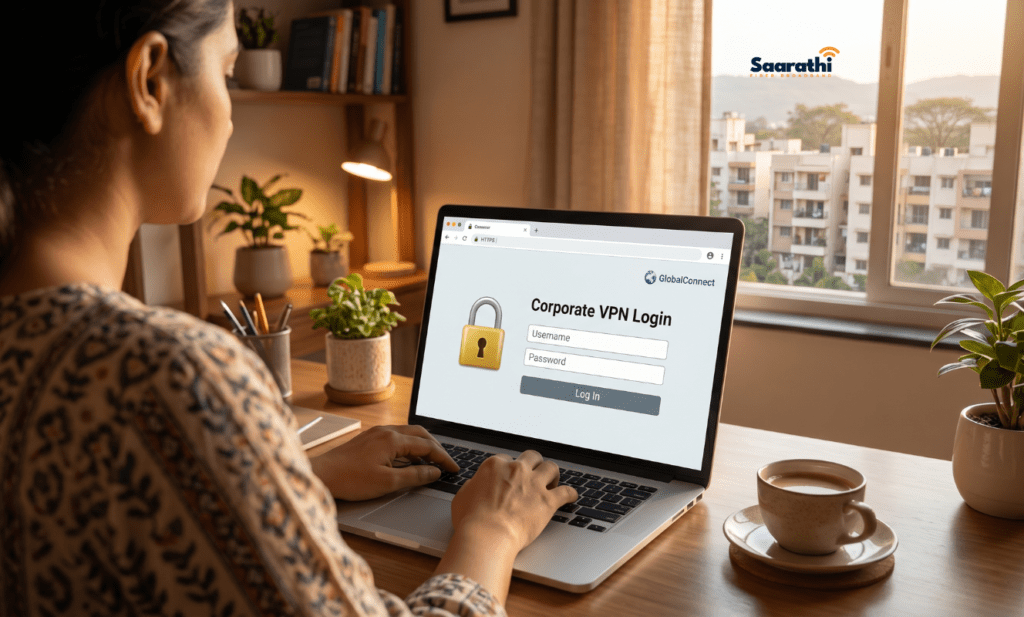
- You run a small business from home. If clients or employees connect to your network resources via VPN, a static IP eliminates the hassle of updating DNS records every time your IP changes.
- You need persistent port forwarding. Dynamic IPs break port forwarding rules when they rotate. If your workflow depends on open ports staying open, a static IP solves that.
The DDNS Alternative: Free and Often Good Enough
Before spending ₹200-600/month, consider Dynamic DNS (DDNS) — a free or cheap service that maps a hostname to your changing IP address automatically.
Services like No-IP, DuckDNS, and Dynu let you set up a hostname (like yourname.ddns.net) that always points to your current dynamic IP. Most modern routers from TP-Link, Netgear, and Asus have built-in DDNS clients that update the hostname automatically.
When DDNS Falls Short
DDNS isn’t perfect. There’s a brief window during IP changes where the old address is still cached, causing a few minutes of downtime. For personal projects and home access, this is negligible. For business-critical applications or anything requiring 100% uptime, a static IP remains the safer choice.
Read more about – Does a Static IP Improve Gaming? Honest Answer for Indian Gamers (2026)
How to Set Up a Static IP in India Once You Get One
Getting the IP assigned is step one. Configuring your network to use it properly is step two.
Step 1: Confirm Assignment With Your ISP
After requesting a static IP, your ISP will either configure it on their end (pushing it to your router via PPPoE or DHCP reservation) or provide you with the IP details to configure manually. You’ll typically receive:
- Static IP address
- Subnet mask
- Default gateway
- Primary and secondary DNS servers
Step 2: Configure Your Router
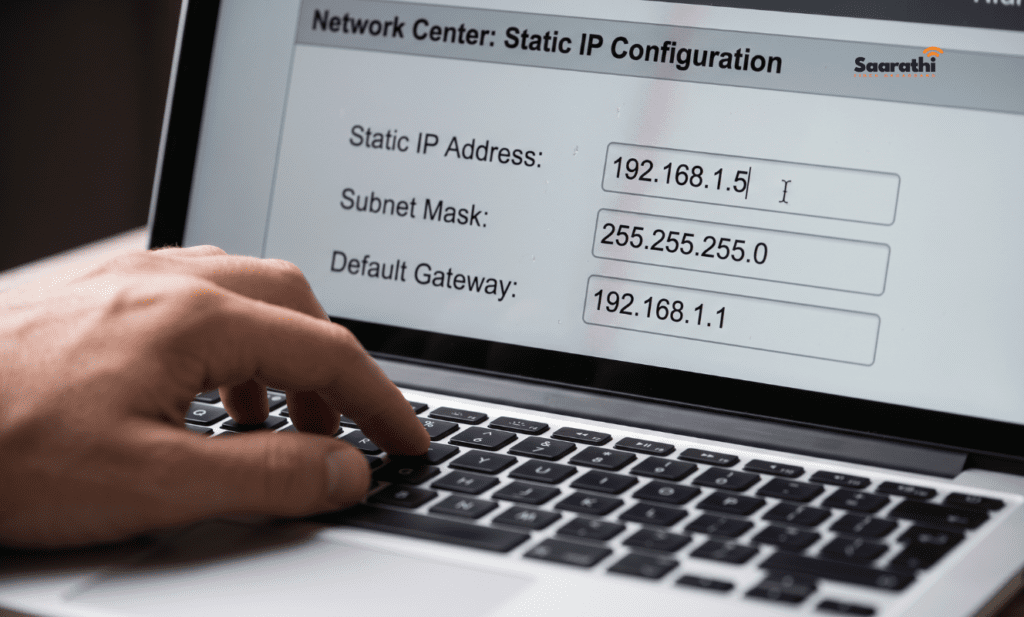
Log into your router’s admin panel (usually 192.168.1.1 or 192.168.0.1). Navigate to the WAN or Internet settings section. Switch from dynamic/automatic to static IP configuration. Enter the details your ISP provided.
Step 3: Set Up Port Forwarding (If Needed)
With your static IP locked in, configure port forwarding rules for any services you’re hosting. Forward specific ports to the local IP addresses of your devices. For example, port 32400 for Plex, port 25565 for a Minecraft server, or port 443 for HTTPS access to a home NAS.
Step 4: Update Your Firewall Rules
A static IP makes your network slightly more targetable since the address doesn’t change. Ensure your router’s firewall is active, disable WAN-side remote management unless you need it, and consider changing default ports for sensitive services.
Static IP in India: Frequently Asked Questions
Neither is inherently safer. A static IP is marginally easier to target in a sustained attack because the address doesn’t rotate, but proper firewall configuration and updated firmware mitigate this. Dynamic IPs offer obscurity, not security — there’s a meaningful difference.
Generally, no. Most ISPs treat static IPs as premium add-ons. BSNL comes closest with low-cost options starting around ₹100/month, but truly free static IPs are not standard in the Indian broadband market.
No. Your IP type has zero impact on bandwidth or download/upload speeds. Speed is determined by your plan tier and network infrastructure, not your IP assignment method.
A public static IP is visible on the internet and used for hosting or remote access. A private static IP is assigned within your local network (like setting your PC to always use 192.168.1.100 on your home WiFi). When people ask ISPs for a static IP, they mean a public one.
Unlikely. JioFiber typically requires a mid-tier or business plan for static IP assignment. Entry-level residential plans at ₹399 or ₹599 rarely qualify, though policies vary by region and change periodically.
Final Thoughts: Is Static IP in India Worth the Money?
For most Indian broadband users in 2026, a static IP is an unnecessary expense. DDNS handles home access needs, cloud services eliminate the hosting requirement, and gaming doesn’t benefit from a fixed address.
But if you fall into the minority that genuinely hosts services, manages remote infrastructure, or runs a home business with inbound connections — the ₹200-600/month is a minor cost compared to the reliability it adds.
Check with your ISP first. BSNL remains the cheapest route. Local ISPs often surprise with flexibility. And if Jio or Airtel make you jump through hoops, remember: the static IP market in India rewards patience and polite persistence with customer support reps.