ou don’t need a Koregaon Park villa to start planning your smart home upgrades Pune. For a 2BHK in Wagholi or a rented flat in Kharadi, the setup is exactly the same. All you need are five devices, a reliable broadband connection, and a free afternoon.
This isn’t a wish list from CES. These are upgrades Pune residents are actually installing in 2026, what they cost, and whether they’re worth it for Indian apartments specifically — where voltage fluctuates, humidity kills cheap electronics, and your society’s WiFi situation is anyone’s guess.
1. Smart Lighting — The Easiest Smart Home Upgrades Pune Win
What it does: Automate lights by room, time of day, or voice command. Set a “leaving home” routine that kills every bulb at once instead of walking room to room like your father did.
Best picks for Indian flats:
- Wipro Smart LED Bulbs — ₹600-800 per bulb, work with Alexa and Google Home, available on Amazon and Flipkart
- Philips Wiz — ₹900-1,200, better colour range, no hub needed
- Syska Smart Bulbs — ₹500-650, budget option, decent app but slower response
Real cost for a 2BHK: ₹3,000–6,000 for 5-6 bulbs covering hall, bedroom, kitchen, and balcony.
Does it actually save money? A family in a 2BHK near Megapolis, Hinjewadi cut their monthly electricity bill by roughly ₹350-400 after automating lights to switch off during daytime hours and scheduling balcony lights to run only from 6:30 PM to 10:30 PM. Smart bulbs draw 7-10W versus 15-20W for standard LEDs, so the savings compound over months — energy efficiency data from energy.gov backs the 75% consumption reduction for LED smart bulbs over traditional lighting.
What you need: WiFi that doesn’t drop when three bulbs try to connect simultaneously. More on that in section 5.
2. Smart Plugs — Dumb Appliances, Smarter Bills
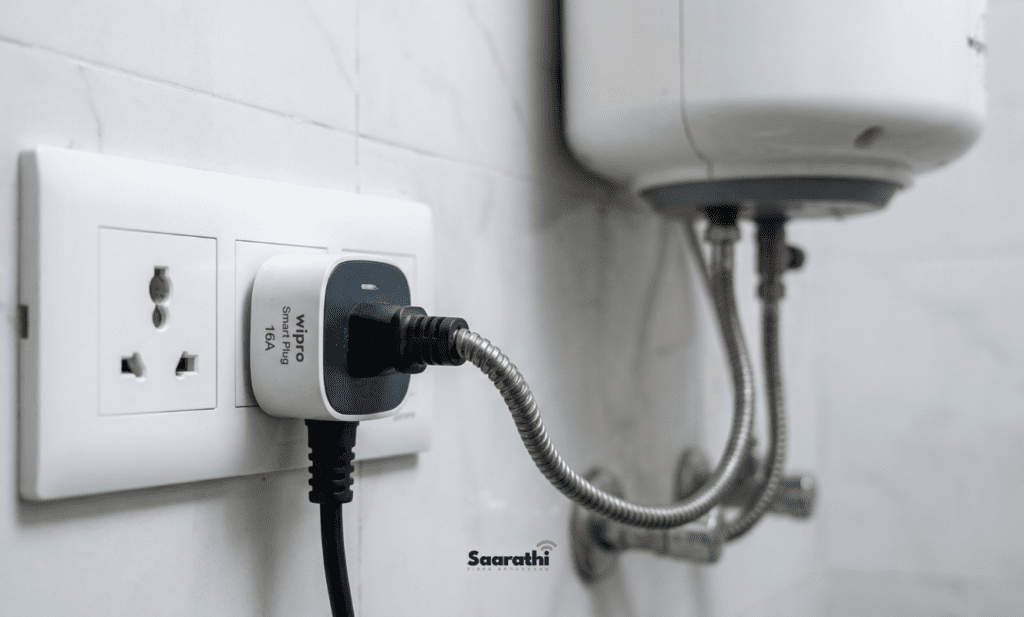
What it does: Plug your geyser, AC, or washing machine into a ₹500 smart plug and suddenly it has a schedule, power tracking, and voice control. No rewiring. No electrician. Literally plug it in.
When evaluating smart home upgrades Pune, smart plugs save the most money on electricity when installed correctly.
Best picks:
- Amazon Smart Plug — ₹699, dead simple, Alexa-native
- Wipro Smart Plug (16A) — ₹800-1,000, handles ACs and geysers (critical — most cheap plugs max out at 10A and will fry)
- TP-Link Tapo P100 — ₹650, solid app, but only 10A — fine for lamps and fans, not heavy appliances
The 16A vs 10A trap: This catches people constantly. Your geyser draws 15A. Plug it into a 10A smart plug and you’ve got a fire hazard. Always check the amperage rating. For Pune apartments where geysers run 20-30 minutes daily, the Wipro 16A is the safe bet.
Real cost for a 2BHK: ₹2,000–4,000 for 3-4 plugs covering geyser, washing machine, and one AC.
Practical use case: Schedule your geyser to run 6:00-6:25 AM and 8:00-8:25 PM. Most Pune families leave it on for hours. Automating this alone saves ₹200-500/month depending on your tariff slab with MSEDCL.
3. Video Doorbell — Because Your Society Intercom Is From 2009
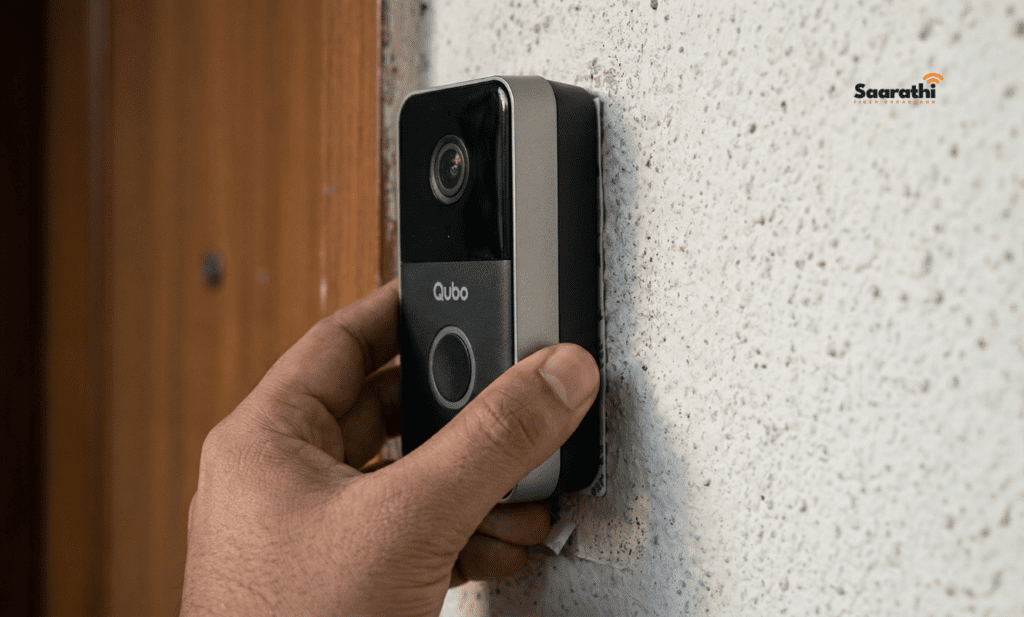
What it does: Live video feed of your door on your phone. Motion alerts. Two-way audio. See who’s ringing whether you’re inside or at work in Hinjewadi IT Park.
Best picks for Indian apartments:
- Mi 360° Home Security Camera + door mount — ₹2,500-3,000, not a true doorbell but works as a budget alternative when mounted at door height
- Qubo Smart Doorbell — ₹3,500-4,000, made for Indian doors, battery-powered (no wiring), works on 2.4GHz WiFi
- Ring Video Doorbell (Wired) — ₹8,000-12,000, premium option, needs existing doorbell wiring which most Pune societies have
The society permission problem: Some housing societies in Wagholi and Baner restrict external camera installations in common corridors. Battery-powered doorbells like the Qubo mount with adhesive tape and don’t need drilling — easier to get approval, easier to remove when you shift.
Real cost: ₹3,000-4,500 for the sweet spot of features versus price.
What you need: Stable upload speed. Your doorbell is streaming video outward. If your broadband chokes on uploads — and many budget plans do — you’ll get frozen frames and 30-second delays on alerts, which defeats the entire purpose. Aim for minimum 10 Mbps upload. CNET’s doorbell testing confirms this as the baseline for 1080p streaming.
4. Robot Vacuum — Surprisingly Practical for Indian Flats
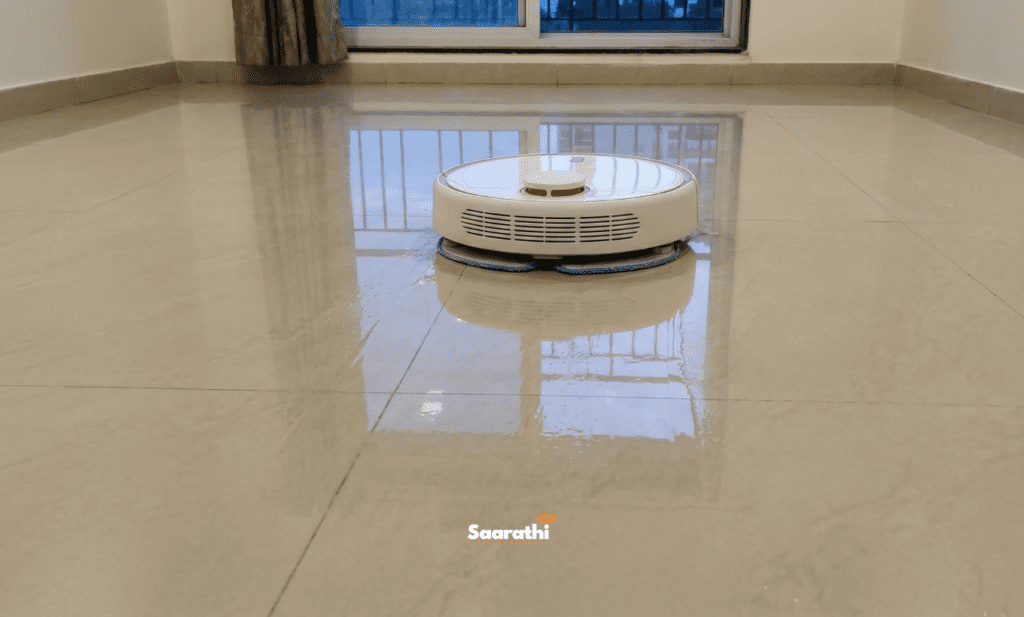
What it does: Automated floor cleaning. Maps your apartment, avoids furniture, docks itself to recharge. You schedule it, forget about it, come home to clean floors.
Out of all available smart home upgrades Pune, robot vacuums save the most physical labor.
Best picks for Pune apartments:
- Mi Robot Vacuum Mop 2 Pro — ₹22,000-25,000, handles both dry and wet mopping (essential for Indian tile/marble floors), LiDAR mapping, app scheduling
- ECOVACS Deebot N10 Plus — ₹30,000-35,000, self-emptying dustbin, better suction for pet hair
- Eureka Forbes Robo Vac N Mop — ₹12,000-15,000, budget pick, less precise mapping but gets the job done in smaller 1BHKs
The Indian floor reality: Most guides are written for American homes with carpet and hardwood. Pune flats have vitrified tiles, marble, or granite — smooth, hard surfaces where mopping matters more than vacuuming. The mop function is non-negotiable. A vacuum-only robot is half a product here.
Limitations worth knowing: Doesn’t handle corners perfectly, struggles with thick door thresholds between rooms, and you still need to empty its dustbin weekly. It replaces daily jhadoo-pocha — not your monthly deep clean.
Real cost: ₹15,000–25,000 for a model that will last 2-3 years of daily use.
5. The Unsexy Upgrade That Makes Smart Home Upgrades Pune Work
Every device above sits on your WiFi. The smart bulbs, the doorbell streaming video, the robot vacuum downloading map updates, the plugs reporting power data. Stack five or six of them on a weak connection and you’ll spend more time troubleshooting than automating.
What smart home upgrades Pune actually need:
| Devices Connected | Minimum Speed | Recommended |
|---|---|---|
| 1-5 smart devices | 30 Mbps | 50 Mbps |
| 6-15 smart devices + streaming | 50 Mbps | 100 Mbps |
| 15+ devices, cameras, 4K streaming | 100 Mbps | 200 Mbps+ |
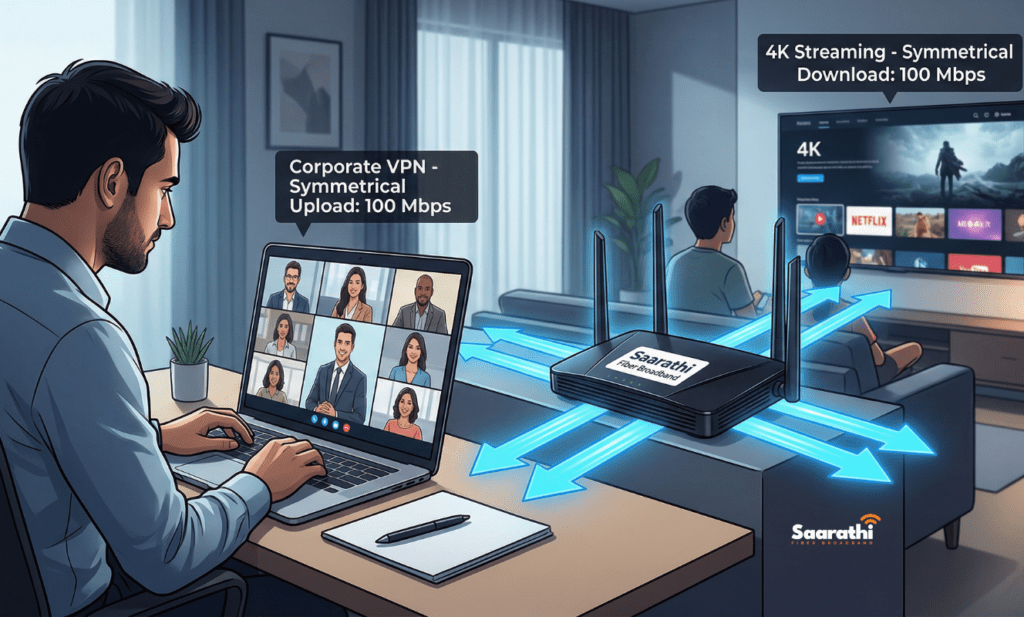
The upload speed nobody talks about: Download speed gets all the marketing. But your doorbell, your security camera, your video calls — they need upload bandwidth. Most ISPs in Pune advertise 100 Mbps down and quietly give you 10-15 Mbps up. If you’re running two cameras and a video call simultaneously, that upload pipe is full. Check your actual speeds at fast.com — the number that matters is the one you never see in the brochure.
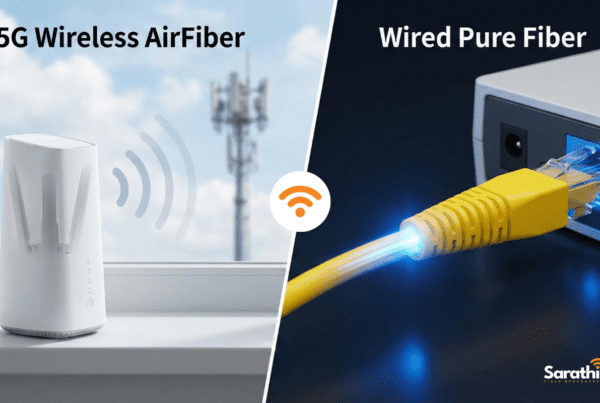
Fibre versus cable versus wireless: For smart home reliability, fibre-optic is the only real option. Cable and 4G/5G hotspots introduce latency spikes that cause smart devices to disconnect and reconnect constantly. In East Pune — Wagholi, Kharadi, Hadapsar — fibre availability has expanded significantly through 2025-2026. Providers operating in the area include Saarathi Fiber Broadband, Airtel Xstream, JioFiber, and ACT Fibernet.
Saarathi Fiber Broadband’s edge for this specific use case: Saarathi Fiber Broadband offers symmetric upload and download speeds on their fibre plans — meaning 100 Mbps down and 100 Mbps up, not the lopsided ratio most providers offer. For a smart home setup with cameras and doorbells, that symmetry matters. Their ₹699 and ₹999 plans cover most 2-3BHK smart home setups comfortably. Check current plans and availability for your society here.
Router placement tip: A single router in the hall won’t cover a 3BHK if the doorbell is outside your front door and the bedroom plug is three walls away. Budget ₹2,000–4,000 for a mesh WiFi system (TP-Link Deco M4 or Mi Mesh System) or ask your ISP about dual-access-point installation during setup.
How to Phase Your Smart Home Upgrades Pune Over 3 Months (Without Blowing Your Budget)
Month 1 — Foundation (₹4,000–7,000)
Pick up 4-5 smart bulbs and 2 smart plugs. Install them yourself — no electrician needed, no drilling. Get comfortable with the app, set automations, see your first electricity bill drop.
Month 2 — Security layer (₹3,500–5,000)
Add the video doorbell. This is where your upload speed gets tested — if alerts lag badly, upgrade your broadband plan before buying more devices.
Month 3 — Comfort (₹15,000–25,000)
Robot vacuum. The most expensive single item, but by now you know your WiFi handles the load and you’ve got the automation habit built.
Total investment across 3 months: ₹22,500 – ₹37,000 for a genuinely functional smart 2BHK. That’s less than most people spend on a single window AC.
People Also Ask (FAQ) About Smart Home Upgrades Pune
Most require WiFi for app control and automation. Some (like Philips Hiz bulbs) work as regular lights without WiFi but lose all smart features. Zigbee and Z-Wave devices use a hub instead of WiFi, but those ecosystems are less common and more expensive in India.
50 Mbps handles most 2BHK setups with 5-10 devices. If you’re adding cameras or doing heavy streaming simultaneously, 100 Mbps is safer. Upload speed matters just as much — aim for minimum 10 Mbps up.
The opposite. Smart bulbs use 7-10W each, plugs draw negligible power, and the automation (scheduling geysers, auto-off routines) typically saves ₹400-800/month on electricity for a 2BHK. The devices pay for themselves within 6-12 months.
Everything listed here is plug-and-play or adhesive-mounted. No drilling, no wiring modifications. When you move, unplug and take it all with you.
When you move, unplug and take it all with you to maintain the functionality of your smart home upgrades Pune.
Thinking about upgrading your broadband before going smart? Read our guide on 5 Signs It’s Time to Switch Your Broadband in Wagholi for a step-by-step switching checklist.