Quick Summary
If you want to know how to boost WiFi signal in a large apartment, you must optimize your physical router setup first.
- Elevate the Device: Always place your router on a high shelf to broadcast the signal downward.
- Avoid Kitchens: Keep internet hardware far away from microwaves and thick concrete walls.
- Change the Band: Switch your smartphone to the 2.4 GHz network to push the signal through multiple rooms.
- Upgrade Your ISP: If your base speed is terrible, you must switch to a dedicated fiber provider like Sarathi Fiber.
Introduction: The Dead Zone Dilemma
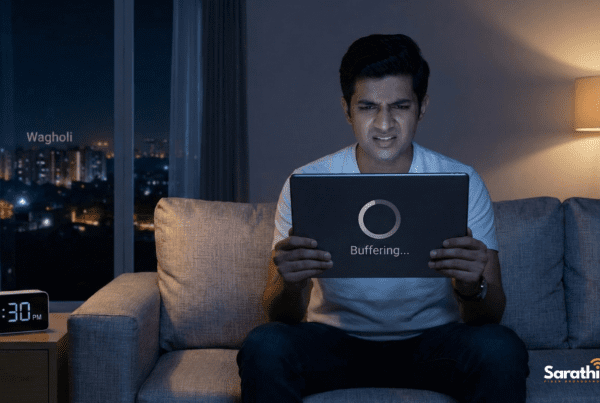
If you are frantically searching how to boost WiFi signal inside your home, you are definitely not alone. Moving into a spacious apartment feels great. However, discovering that your internet completely drops in the master bedroom is incredibly frustrating. Most people immediately blame their telecom provider. Consequently, they spend hours arguing with customer support chatbots.
Actually, the real problem usually sits right inside your living room. Invisible digital waves bounce around your flat constantly. Therefore, simple physical obstacles easily destroy your connectivity. In this guide, we will teach you exactly how to fix these annoying dead zones. Furthermore, we will show you the exact hardware tweaks you need to maximize your daily internet speed.
The Concrete Wall Problem
Modern Indian apartments feature incredibly thick concrete walls. Builders use heavy materials to ensure structural safety. Sadly, these solid walls act like massive shields against wireless technology.
Radio waves travel outward from your router in a circular pattern. Every time those waves hit a solid brick wall, they lose massive amounts of power. If your signal must travel through three separate walls to reach your study room, it will arrive incredibly weak. Understanding this physical limitation is the very first step when learning how to boost WiFi signal effectively.
3 Proven Methods on How to Boost WiFi Signal
You do not always need to buy expensive new equipment to fix your network. Often, you simply need to rearrange your current setup. Try these three professional tricks today.
1. Elevate Your Router Immediately
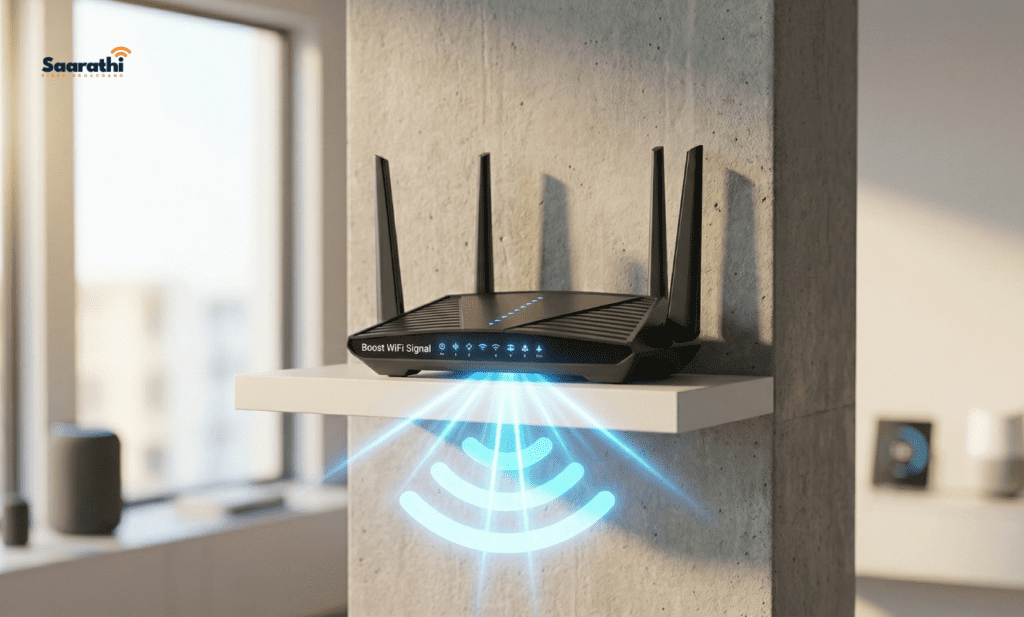
Many people hide their internet boxes behind their televisions or under their couches. This is a massive mistake. Wireless devices broadcast signals downward and outward. Therefore, if you place the box on the floor, half of your internet shoots straight into the downstairs neighbor’s ceiling. You must elevate your router. Place it on a high bookshelf or mount it securely on the wall.
2. Avoid Kitchen Interference
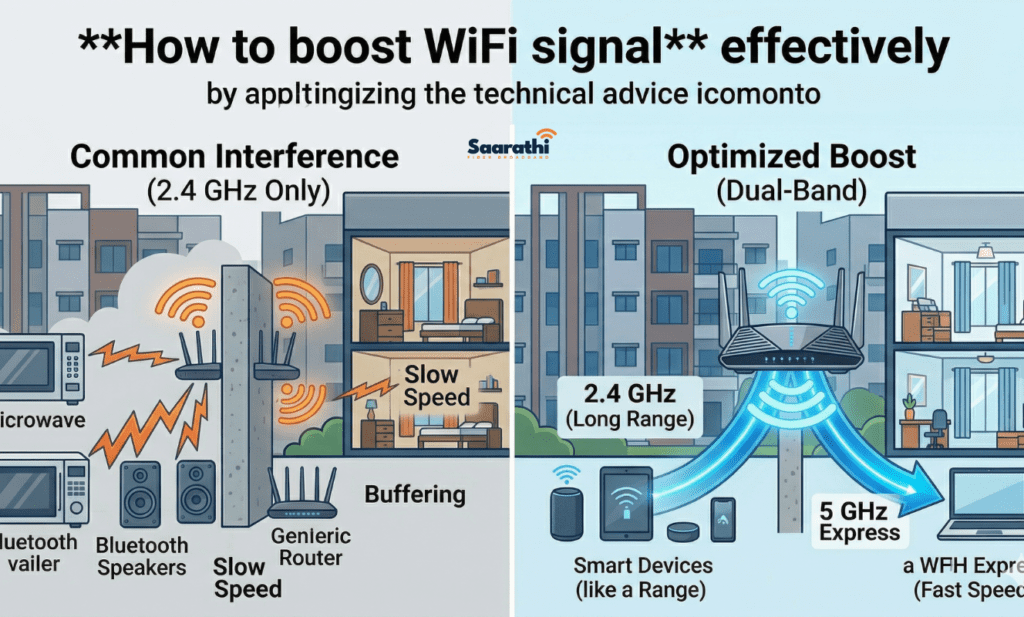
Kitchens destroy wireless networks. Microwaves operate on the exact same 2.4 GHz frequency as older internet routers. Consequently, heating up your dinner can literally disconnect your Zoom call. Additionally, metal appliances like refrigerators completely block digital waves. Always keep your internet hardware far away from the kitchen.
3. Switch to the 2.4 GHz Band
Modern dual-band routers offer two distinct networks. The 5 GHz band provides blazing-fast speeds, but it struggles to penetrate concrete. Conversely, the 2.4 GHz band operates at a slower speed. However, it travels significantly farther. If you sit two rooms away from the router, you must connect your laptop to the 2.4 GHz network to maintain a stable connection.
When Hardware Hacks Fail: Upgrade Your Plan
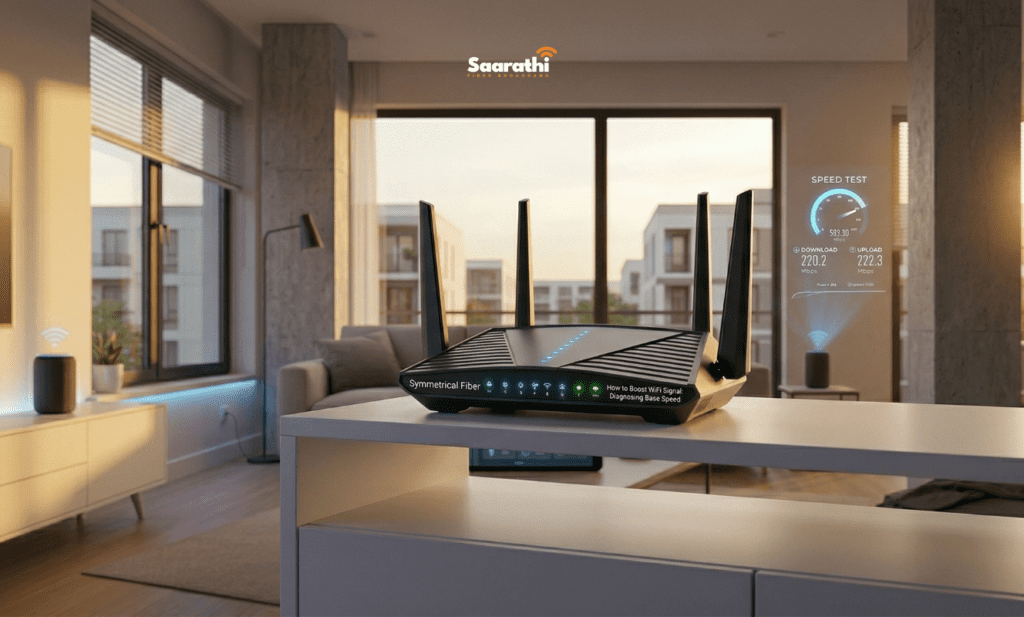
Sometimes, repositioning your hardware simply does not work. If you follow all the tips on how to boost WiFi signal and still experience buffering, your actual internet plan is the bottleneck.
You cannot boost a signal that does not exist. If you pay for a cheap, slow copper connection, your router has nothing powerful to broadcast. Furthermore, shared wireless 5G boxes frequently suffer from frustrating evening congestion. To guarantee a buffer-free digital life, you need a dedicated optical pipeline.
This is exactly where Sarathi Fiber steps in. We provide high-speed, dedicated pure fiber lines directly into your home. Additionally, we equip our long-term customers with premium dual-band routers specifically engineered to penetrate thick apartment walls.
People Also Ask (FAQ)
Q: Will a WiFi extender actually help? A: Extenders can push a signal further, but they usually cut your overall internet speed in half. A better solution involves upgrading to a stronger dual-band router.
Q: Do antennas matter on a router? A: Yes, absolutely. If your device has external antennas, point one straight up and the other horizontally. This covers multiple angles across your flat.
Q: How do I know if my internet provider is the real problem? A: Stand right next to your router and run a speed test. If the speed is still terrible while standing one foot away, your provider is failing you.
Conclusion: Enjoy Seamless Connectivity

Stop letting thick concrete walls ruin your movie nights and work meetings. By elevating your hardware and managing your frequencies, you take complete control over your home network.
Now you know exactly how to boost WiFi signal without spending a fortune. However, if your base connection remains terrible, you must upgrade your provider entirely. Ditch the slow legacy networks. Make the smart switch to dedicated fiber today and enjoy seamless coverage in every single room.
Ready to experience true high-speed internet? Contact our friendly East Pune team to secure a dedicated pure fiber connection today.
- 📞 Call / WhatsApp: +91 744 733 4222 / 8484 942 997
- 🌐 View Our High-Speed Plans: www.sarathifiber.com
Sarathi Fiber – Making your home network flawless.