The Changing Landscape of East Pune
Wagholi has changed drastically. Five years ago, it consisted mostly of open plots and construction dust along Porwal Road. Today, the area features massive gated societies near Trimurti Lawns, bustling co-working setups in Adarsh Nagar, and remote professionals stacked in every apartment block from Kesnand Road to the Lohegaon stretch. With this rapid population growth severely straining older internet networks, you might find that you need to switch your broadband in Wagholi just to keep up.
Unfortunately, the internet infrastructure has not always kept up with this rapid growth.
Perhaps your connection felt perfectly fine when you first signed up. Now, it struggles to hold a Google Meet call while someone streams a movie in the next room. That is not your imagination. Wagholi’s user density has grown faster than most providers anticipated. Consequently, many residents remain stuck on connections that were never built to handle modern 2026 usage.
Here are five clear signs it is time to switch your broadband in Wagholi, along with practical steps on what to actually do about it.
Quick Summary
If you are experiencing frequent buffering, hidden billing charges, poor customer support, slow upload speeds, or evening connection drops, it is probably time to switch your broadband in Wagholi. This honest guide breaks down these five warning signs. Furthermore, it compares the major providers available in the East Pune area—including Sarathi Fiber, Jio AirFiber, Airtel Xstream AirFiber, and ACT Fibernet—helping you make a completely informed decision.
1. Buffering Has Become Your Default Viewing Experience
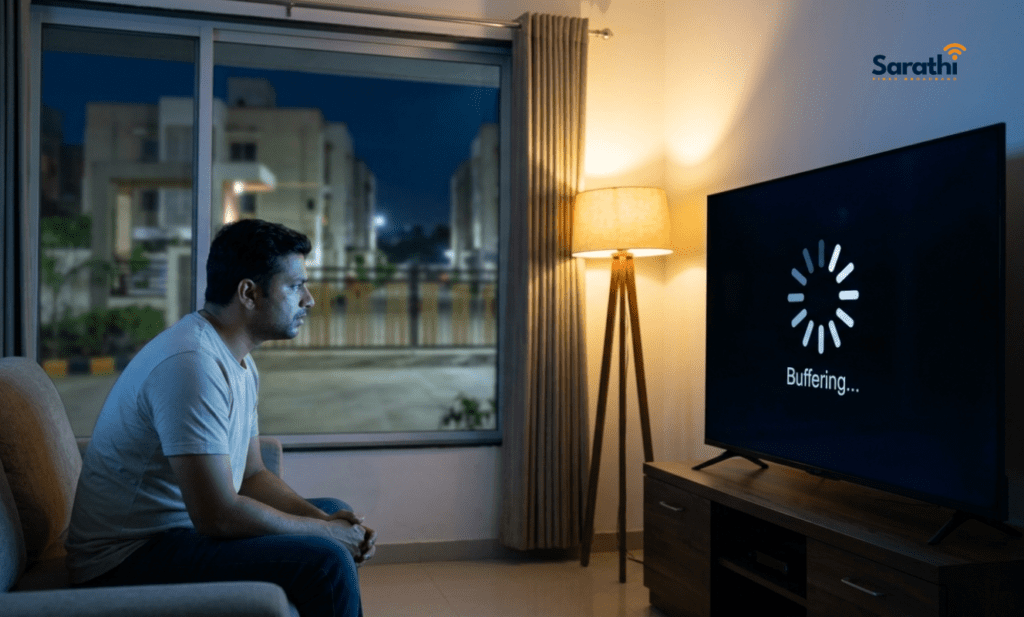
We are not talking about the occasional loading spinner. Instead, this is the kind of lag where you instinctively lower video quality to 480p before pressing play because you already know 1080p will not hold.
Typically, this frustrating experience comes down to one of two things. Either your provider is overselling bandwidth on a shared node in your area, or they operate on legacy copper infrastructure. Older cables simply cannot deliver the speeds you are paying for.
What to check before switching:
- Run a speed test at fast.com three different times: morning, afternoon, and 9 PM. If your evening speeds drop below 40% of your advertised plan, your provider is throttling you.
- Ask your provider directly whether your connection uses fiber-to-the-home (FTTH) or fiber-to-the-node. The difference matters enormously in Wagholi, where last-mile infrastructure varies block by block.
If your speeds consistently fall short and your provider only tells you to “restart your router,” that is your first clear sign.
2. Your Bill Keeps Creeping Up With Hidden Charges
This billing issue occurs more commonly in Wagholi than in most other places. Historically, many residents set up connections through local cable operators. Later, those small operators partnered with larger national ISPs. Consequently, the billing structures from those merged arrangements tend to be incredibly messy. Customers frequently see installation recovery fees, surprise “network upgrade” surcharges, and inconsistently applied GST.
Watch out for these red flags:
- Your monthly bill costs ₹100 more than the plan price currently listed on the provider’s website.
- The company charges you a router rental fee, even though they promised free hardware.
- Data caps suddenly appear on your account, despite signing an “unlimited” agreement.
Pull up your last three invoices immediately. Compare them line by line against your original signup plan. If you spot unexplainable charges, call your ISP. If their explanation makes no sense, that is sign number two.
3. Customer Support Takes Days, Not Hours
Suppose your internet dies at 10 PM on a Tuesday in Wagholi. What happens next matters significantly more than any daytime speed test.
Many major providers in this area route support through a centralized call center that covers all of Pune. First, the automated system assigns your complaint a ticket number. Next, they promise to dispatch a technician. Then, absolutely nothing happens for 36 to 72 hours. Because the nearest field team operates out of Viman Nagar or Hadapsar, Wagholi rarely gets priority routing.
What genuinely good support looks like:
- You get a local technician based within your specific area code, rather than a delayed third-party contractor.
- The company resolves physical line issues within 24 hours and fixes router problems on the same day.
- You can reach them via a direct WhatsApp number, bypassing endless 1800-number phone queues.
If your current provider takes more than a full day to respond to an outage complaint, they are abandoning you exactly when you need them most. That is sign number three.
4. Upload Speeds Are a Complete Afterthought
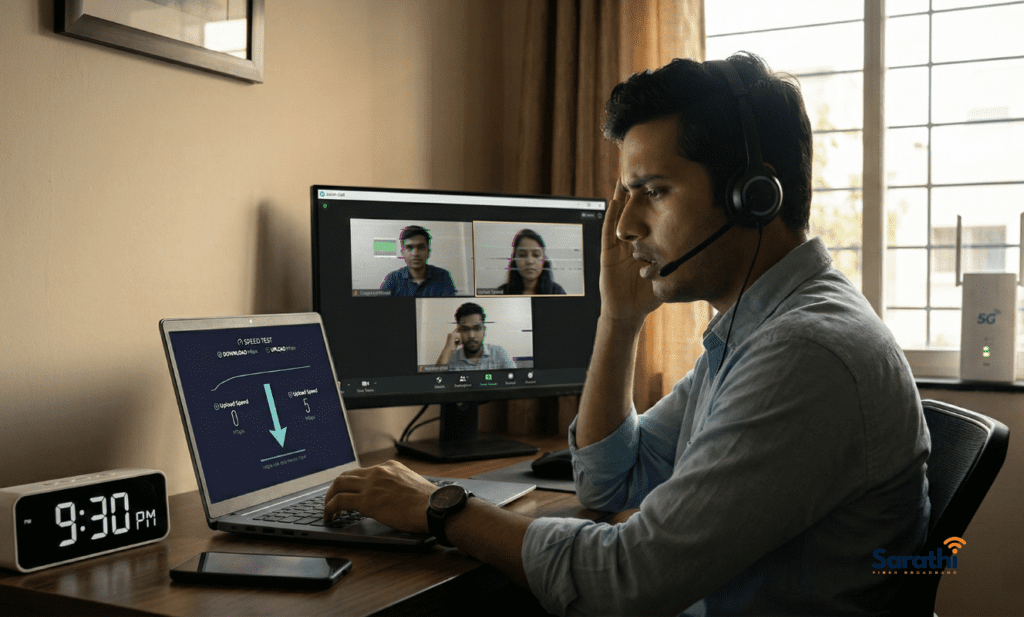
Generally, most people only think about their download speed. However, if you work from home in Wagholi, your upload speed is equally vital.
Your upload capacity determines whether your Zoom calls freeze. It decides whether your cloud backups finish overnight or take three days. Furthermore, it dictates whether pushing code to a remote server feels instant or agonizing. Many broadband plans in the Wagholi area advertise 100 Mbps or 200 Mbps downloads. Yet, they quietly restrict upload speeds to a measly 10-20 Mbps. While a single user might survive that, a household with two remote workers and a child taking online classes will hit a massive bottleneck.
What you should look for:
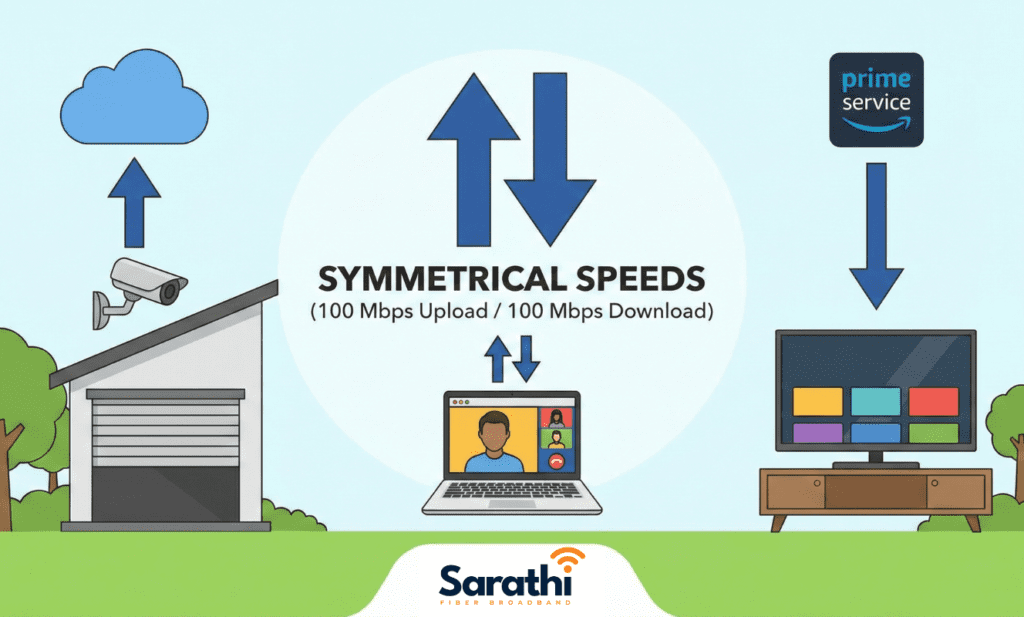
- Choose symmetrical plans (offering identical upload and download speeds). You will typically only find these on true FTTH connections.
- Demand a minimum of 50 Mbps upload capacity if your household supports multiple concurrent users.
If your upload speed falls below 15 Mbps and your provider refuses to offer a symmetrical option, you have reached sign four.
5. Peak-Hour Drops Mean It’s Time to Switch Your Broadband in Wagholi
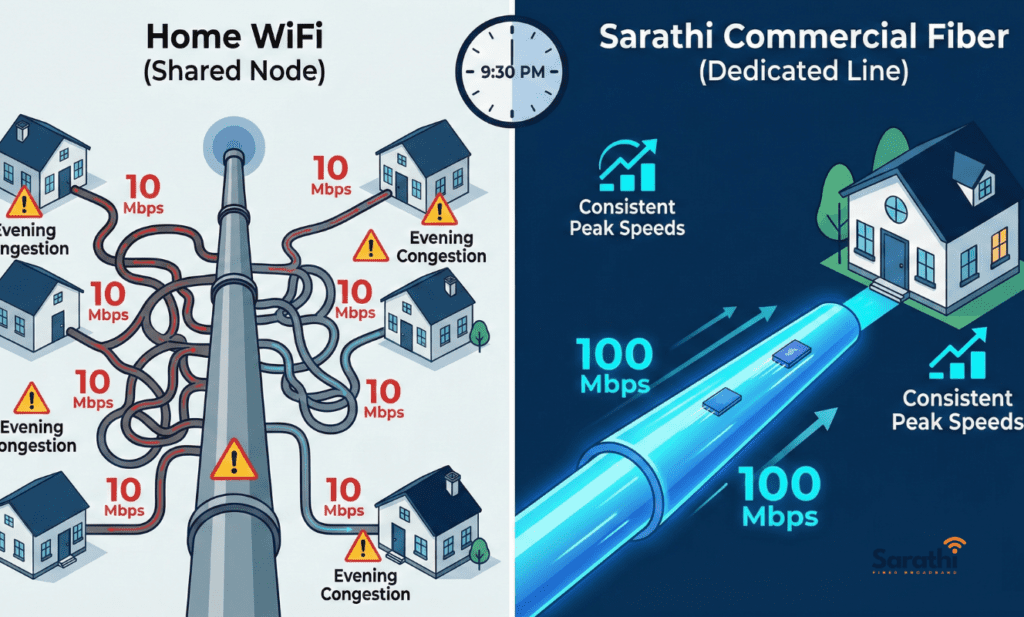
Between 8 PM and 11 PM, local internet usage spikes aggressively. Everyone jumps online simultaneously to stream, game, conduct video calls, and start large downloads. If your connection stutters or slows to a crawl, specifically during this window, your provider’s local infrastructure is severely overloaded.
This remains the hardest problem for massive providers to fix. Solving it requires actual physical investments, such as splitting nodes, adding capacity to the local fiber ring, or upgrading OLT hardware. Most corporate providers will not spend that money on a single area unless subscriber complaints reach a critical mass.
The Ultimate Test: Run speed tests at 10 AM and again at 9:30 PM for five consecutive days. Log the results carefully. If your evening speeds consistently drop to 50% or less of your morning speeds, your provider is capacity-constrained. No plan upgrade on your end will ever fix it. That is the fifth, and most decisive, warning sign.
Ready to Switch Your Broadband in Wagholi? Compare Your Options
Before you take action, you should know what is actually available. Here is how the main providers in the Wagholi and Lohegaon area stack up as of early 2026:
| Provider | Technology | Typical Plans (Wagholi) | Upload Speed | Local Support | Contract Lock-in |
|---|---|---|---|---|---|
| Jio AirFiber | Fixed wireless (5G) | ₹599–₹1,499/mo | Asymmetric (lower upload) | Centralized, slow in East Pune | No lock-in |
| Airtel AirFiber | Fixed wireless (5G) | ₹699–₹899/mo | Asymmetric (lower upload) | Centralized, slow in East Pune | No lock-in |
| ACT Fibernet | FTTH | ₹749–₹1,349/mo | Semi-symmetrical | Good app support, average field response | No lock-in |
| Local Cable ISPs | Mixed (copper/fiber) | ₹400–₹800/mo | Usually very low | Varies wildly by operator | Monthly |
| Sarathi Fiber | FTTH | ₹499–₹999/mo | Symmetrical on all plans | Local Wagholi technicians, same-day | No lock-in |
Some Honest Context:
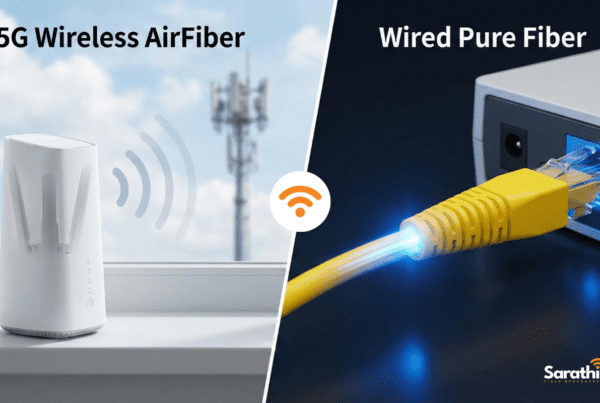
- Jio AirFiber works well if you have a clear line-of-sight to a tower and moderate usage. However, it struggles with upload-heavy work and peak-hour consistency because it relies on shared wireless spectrums instead of pure fiber.
- ACT Fibernet serves as a solid mid-range choice with reliable speeds. Their coverage is decent in newer societies, but field support can take 24-48 hours.
- Local cable ISPs offer cheap rates but unpredictable service. Some operate brilliantly; others resell bandwidth with zero service level agreements (SLAs).
- Sarathi Fiber is the provider we operate with, so please take this with the appropriate context. We built our network here specifically because we saw the massive service gap. We offer symmetrical speeds, a local team based in Wagholi, and zero contracts. Our bias is obvious, but our technical specs are verifiable.
We would much rather you pick the right provider for your setup than switch to us and feel disappointed. If Airtel Fiber To The Home is available in your building and you desperately need their bundled OTT apps, they might genuinely be your best option. Alternatively, if your usage is light and budget matters most, a reliable local cable ISP at ₹500/month could work perfectly.
However, if you need symmetrical uploads, local support with same-day responses, and consistent peak-hour speeds, that is the exact problem we built Sarathi Fiber’s symmetrical plans to solve.
How to Switch Your Broadband in Wagholi Seamlessly
Switching providers absolutely does not have to mean a gap in service. Here is the cleanest way to manage the transition:
- Sign up with your new provider first. Always get your new installation scheduled before you cancel anything.
- Run both connections in parallel. Keep them both active for 3 to 5 days. Test the new connection thoroughly during peak evening hours to ensure it delivers what was promised.
- Cancel the old line. Only terminate your old connection after confirming the new one is stable. Most providers in Wagholi do not require a 30-day notice, but you should check your specific terms.
- Return rented equipment. Give back your old router or ONT box promptly to avoid surprise hardware charges on your final bill.
- Document everything. Screenshot your final bill and your cancellation confirmation email. Certain providers in this area have a bad habit of billing for one extra, unauthorized cycle.
The entire process should take under a week if your new provider already has infrastructure inside your building or society.
People Also Ask (FAQ)
Most providers offer a serviceability check on their websites. For Sarathi Fiber, you can check coverage online or message us directly on WhatsApp. If you live in a newer society along Porwal Road, Kesnand Road, or near Adarsh Nagar, FTTH availability is generally excellent.
If anyone in your household works from home, yes. Standard video calls consume 2-4 Mbps of upload bandwidth per stream. Furthermore, cloud syncing and backups run continuously in the background. With asymmetric plans, two concurrent video calls will completely crash your network.
Usually, yes. Most FTTH providers supply an ONT (optical network terminal) that connects directly to your existing router. If your personal router supports gigabit Ethernet and dual-band WiFi, it will work perfectly with any new fiber provider.
For a household of 2-3 people with moderate streaming and one remote worker, a 100 Mbps symmetrical plan provides comfortable speeds. For heavier usage—like 4K streaming on multiple screens or large file transfers—a 200 Mbps plan gives you real headroom.
For providers with existing infrastructure in your building, expect in 1 day from request to active connection. For fresh fiber pulls to a new apartment, expect 1 to 3 days, depending on society permissions.
Conclusion: Switch Your Broadband in Wagholi Today

Ready to upgrade your home internet? If you are considering Sarathi Fiber, you can check our transparent plans and coverage here or reach out to our local team on WhatsApp at +91 8484942997. We enforce no pressure and no lock-ins. Just ask us anything about your area’s connectivity, and we will give you a straight answer—even if we are not the best fit for your needs.
- 📞 Call / WhatsApp: +91 744 733 4222 / 8484 942 997
- 🌐 View Our Unlimited Plans: www.sarathifiber.com
Sarathi Fiber – Making internet simple, local, and fast.